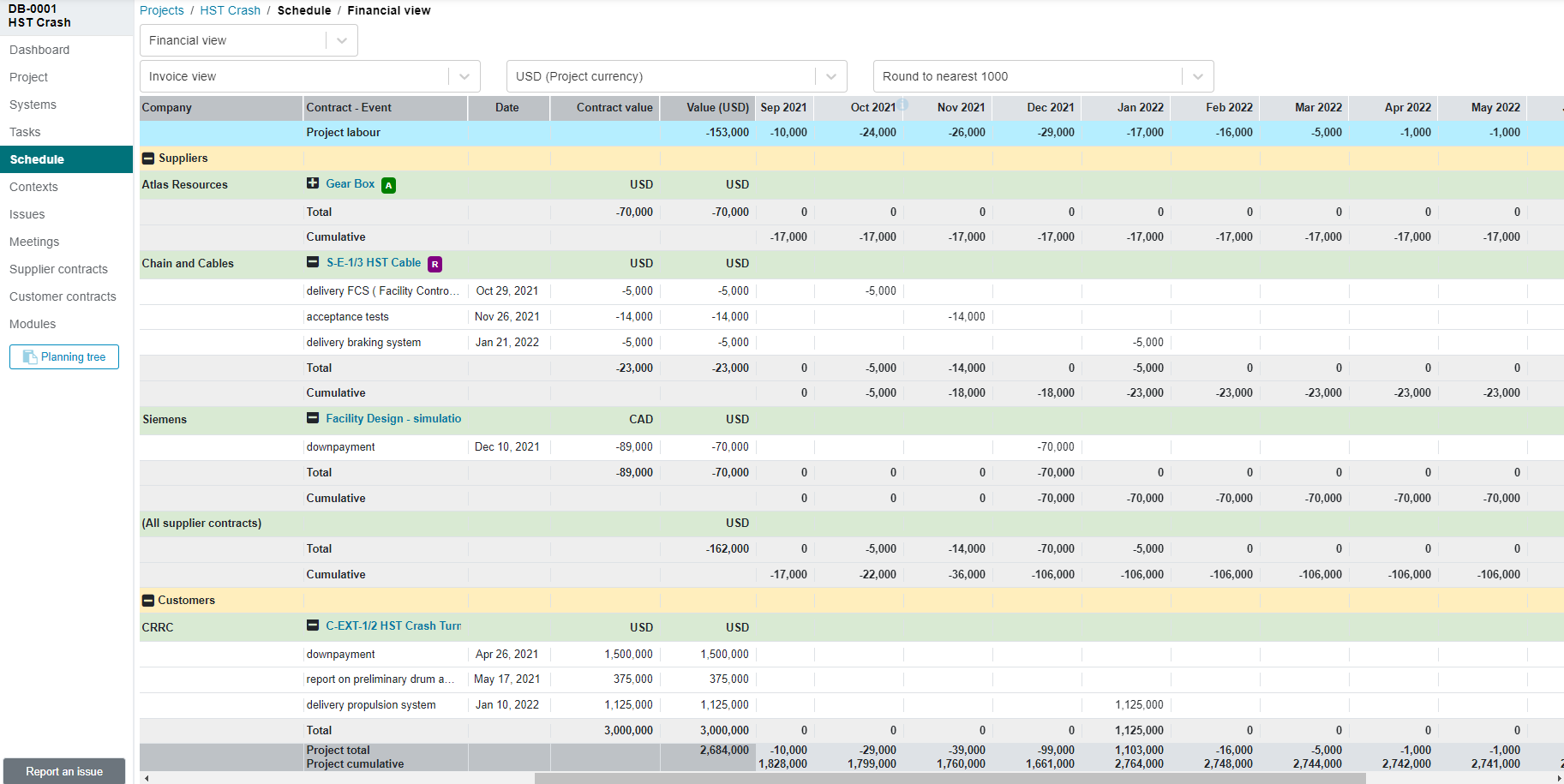
¶ Overview
In ProjectContexts, synchronizations are enabled via specific Milestones in the schedule and linking those to events outside the schedule.
Go to the relevant system where you want to place the link, press “+”.
Choose Milestone in the pop-up.
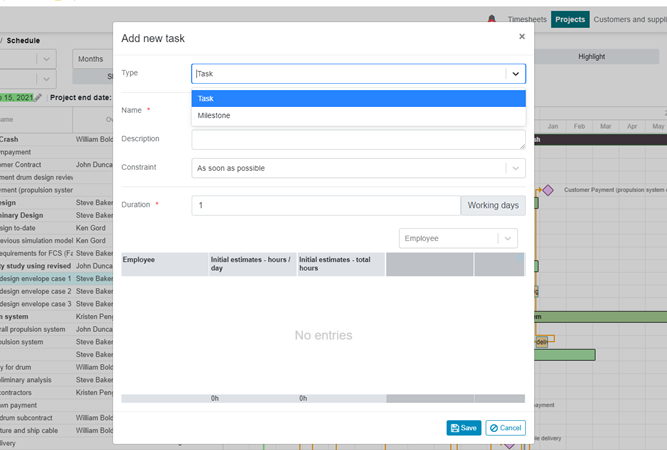
That results in (after adding a name):
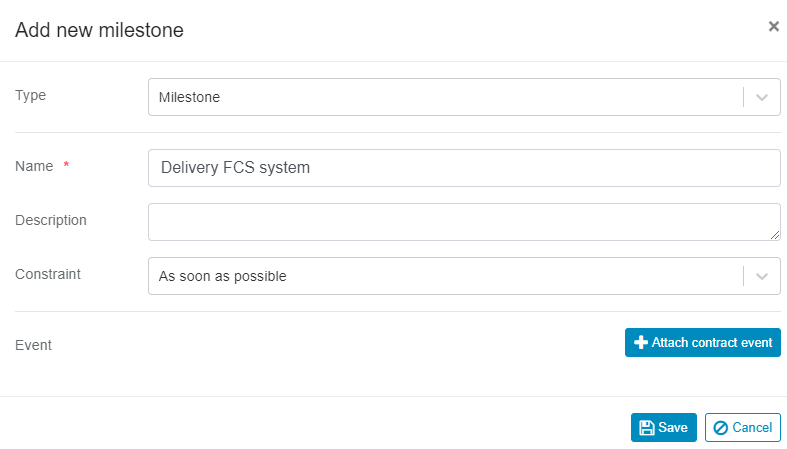
Click on “attach contract event”.
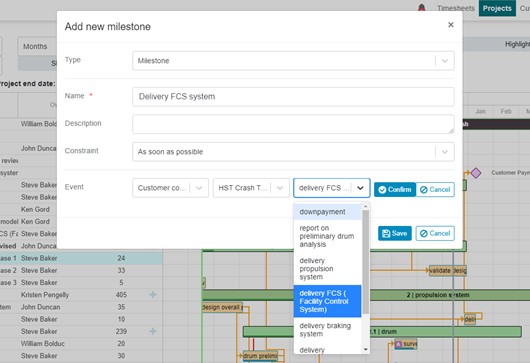
The dropdown box is loaded automatically because in ProjectContexts/Contracts, the schedules of invoices are marked as events.
Save the milestone: it will be placed at the start of the project. move it vertically if desired (within the system.).
Connect the milestone to preceding tasks via a relationship (in the example below, we added a lag of 10 days).
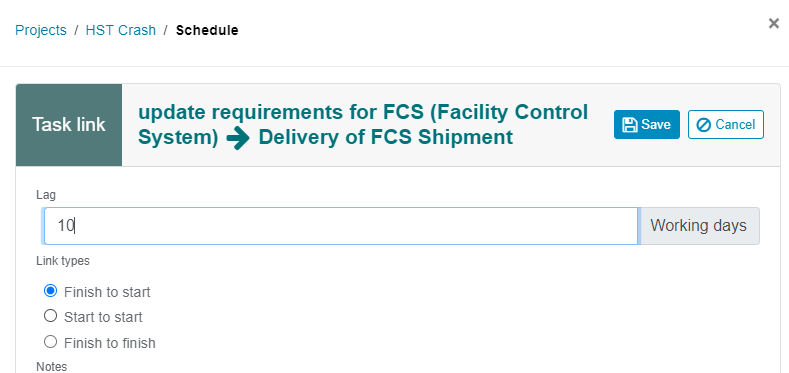
the pop-up above displays after a double-click on the new relationship line.

The milestone information is made available to the drop-down box inside the customer contract milestones.
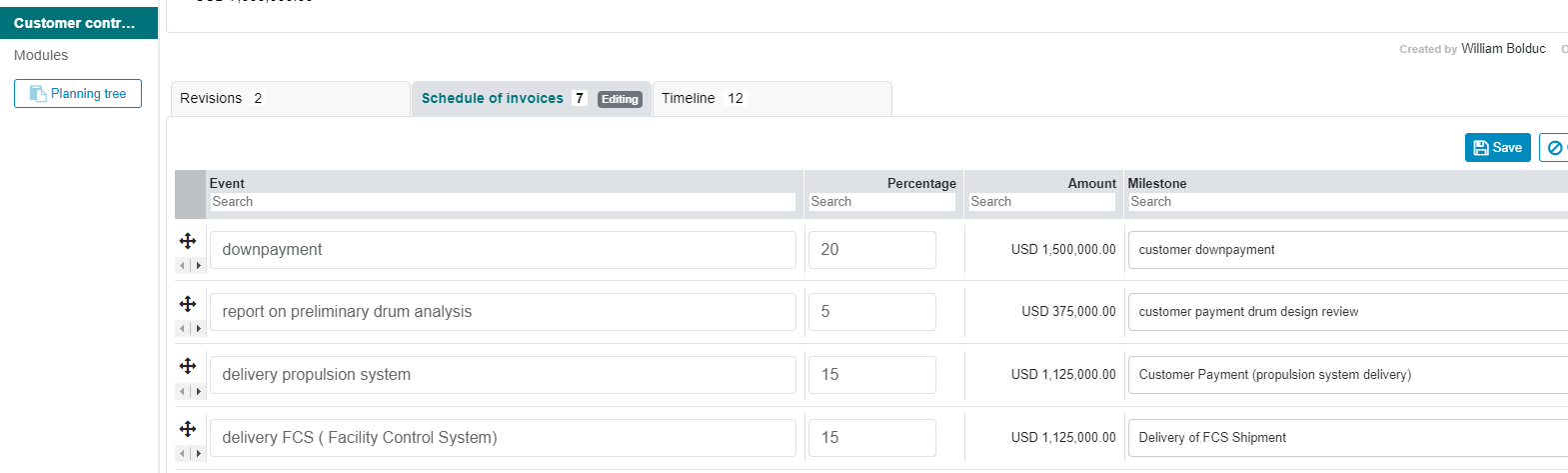
¶ Example: Cashflow