¶ Preamble
Time can be logged in any of the project management elements (systems, issues, etc.), as well as in the timesheet.
Because progress is directly linked to the relevant element, whether a task, an action item etc., time needs to be logged down to the task, issue etc. level as well. (ProjectContexts' philosophy is : if you plan it then you should track it also, at least in order to get a feedback for later projects
To eliminate the need to use two sets of timesheets, one for projects, another for non-project related tasks and other (accounting) account numbers, such as sick leave, the ProjectContexts timesheet allows for those times to be recorded as well.
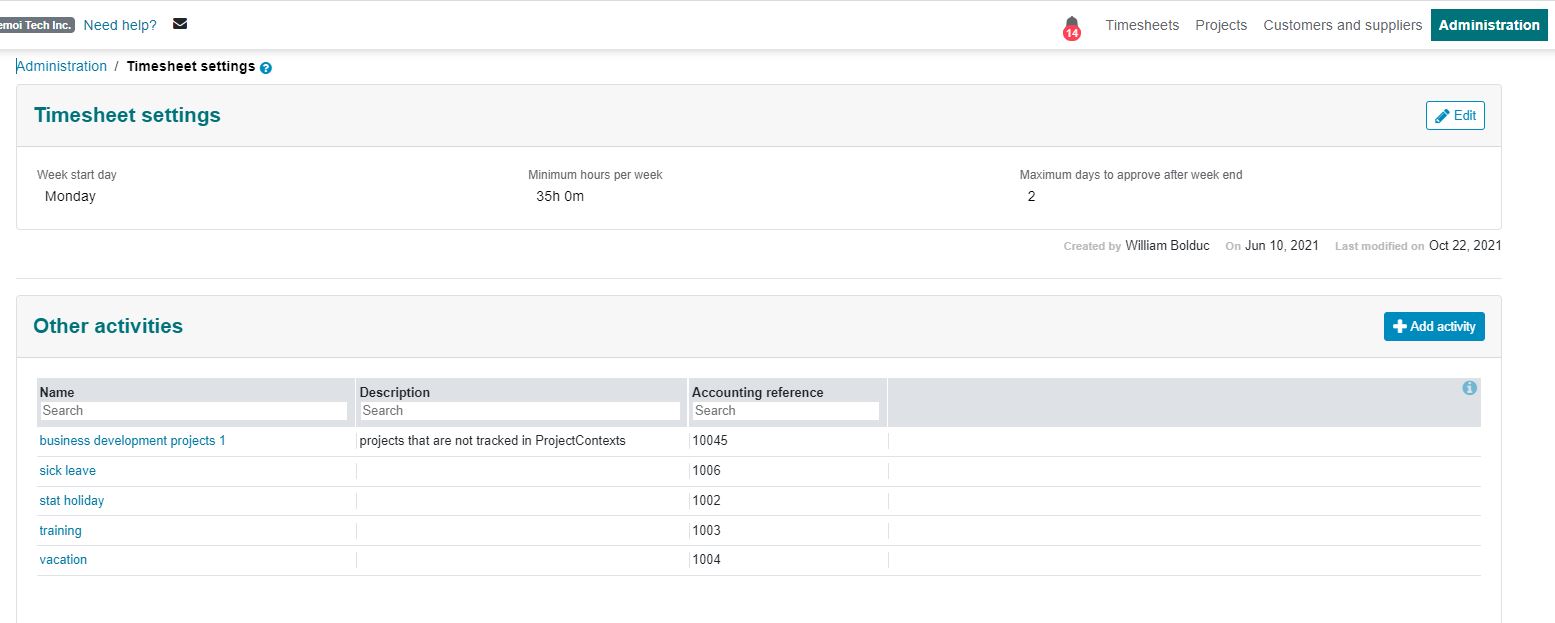
¶ Log time box
Use the top left utility to move the box to the left, middle, or right.
Enable the “log another after save” to default the data to the last log within this box.
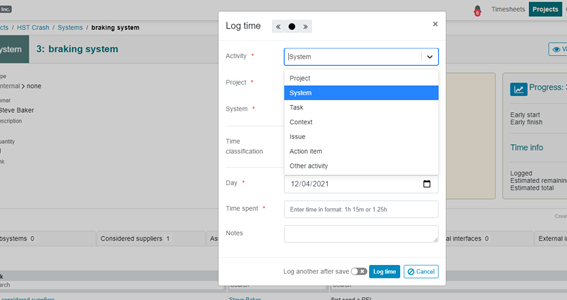
Time can also be classified such as travel time, time for meetings, etc.
¶ Log time away from the Timesheet
Time can be logged in any of the progress boxes in each project element.
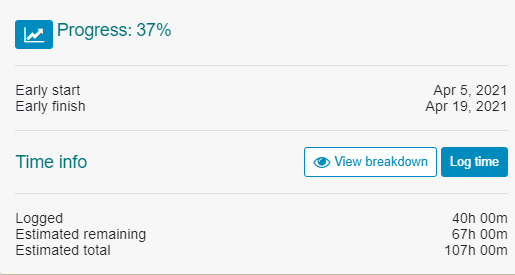
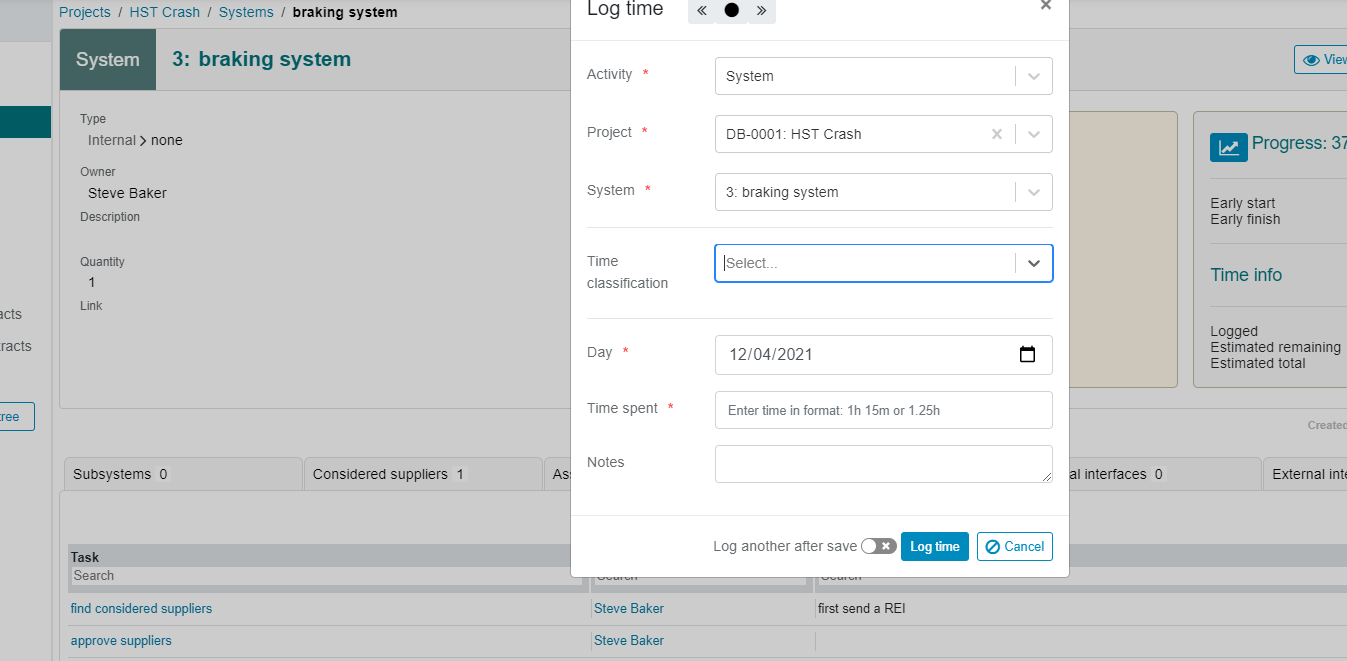
The advantage is that drop-down boxes in the log time box are prepopulated by the actual project element. In the example, "activity" had been prepopulated to “system”.
¶ Log time inside the timesheet
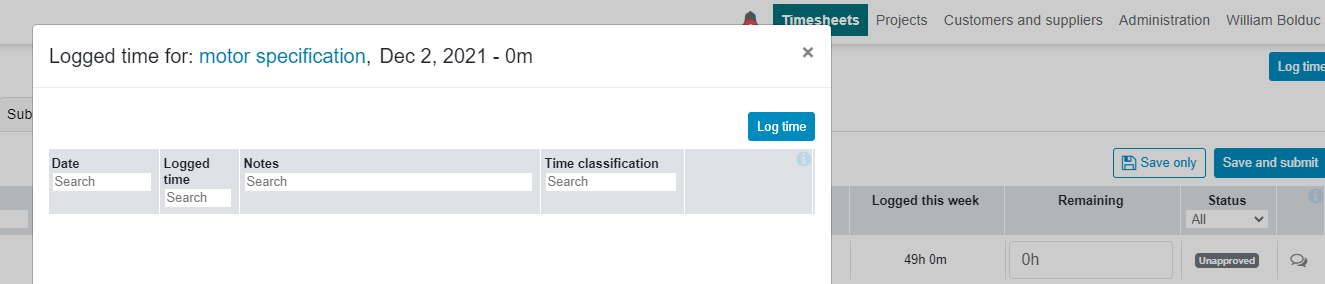
Time can be logged either via the same “log time” button on the top right-hand corner, or by clicking on the actual date on the timesheet.
¶ Log remaining hours and submit
Instead of asking team members to input % completion, a more pertinent question is: "how many hours remaining?". Of course, both questions lead to the same result, but the latter question makes the team member go through a more analytical thought process. (the initial remaining hours are the hours assigned to the team members at the definition of the task).

At completion, the timesheet is submitted (to the accounting admin) who checks for compliance (vacation, total hours, etc.). After compliance, the timesheet is automatically parsed to and distributed to the Owners for approval.
¶ Timesheet (line) approval
The Owner of a task or a (substitute) Owner higher up in the dynamic hierarchy, ( e.g. system owner) can approve a relevant timesheet.

Other, non-ProjectContexts project / accounting numbers) need to be approved during the compliance checking by the AC.